
Instructions
Steps
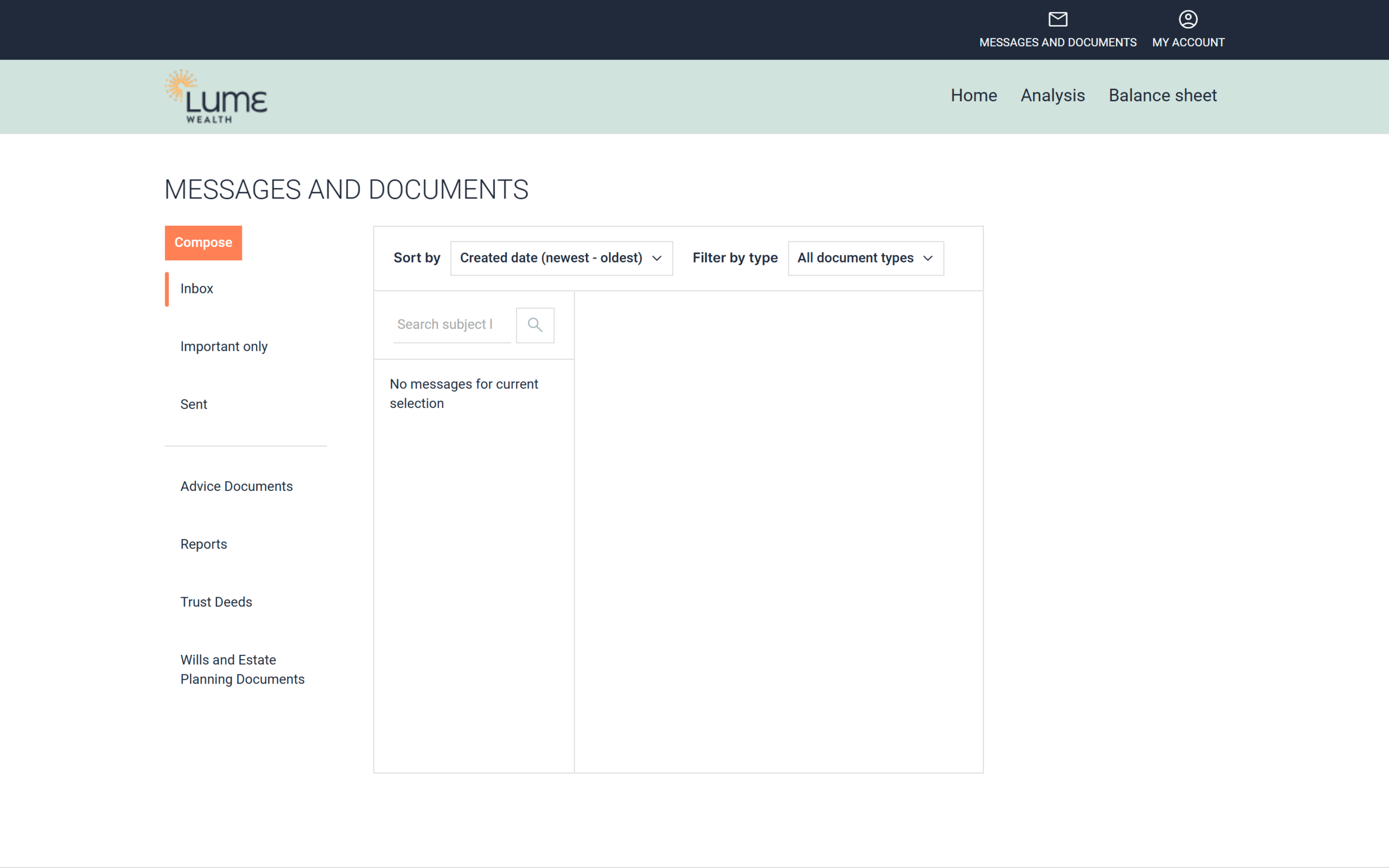
- Click MESSAGES AND DOCUMENTS in the top right of the screen.
- Click Compose.

- Complete your message, including a Subject, Message body, add your Attachment and click Send a message.
- Once the message has been successfully sent, you will see a notification in the bottom right noting “Message sent successfully“.
If you’re at all unsure, you can always call us during business hours on 0494 113 524, or contact us here and we’ll be in touch as soon as we’re able.
For urgent queries, withdrawals, or transfers, it’s always a good idea to call our office. Verbal and written confirmation are ideal, even when your secure portal is involved.
Still have questions?
Please get in touch with our team, we're more than happy to assist.